For small business owners, IT managers, and privacy-conscious individuals who just discovered a data breach, this guide is for you. You're probably overwhelmed, scrambling, and worried about customers, regulators, and your own mental health. Learn more about your own mental health. Our team can guide you through a practical "data breach diet" that pairs immediate cybersecurity recovery with long-term digital health and privacy habits. Learn more about long-term digital health and privacy habits. And if you want, we can handle the technical triage and communications while you focus on running the business.
What is a "Data Breach Diet" and why try it?
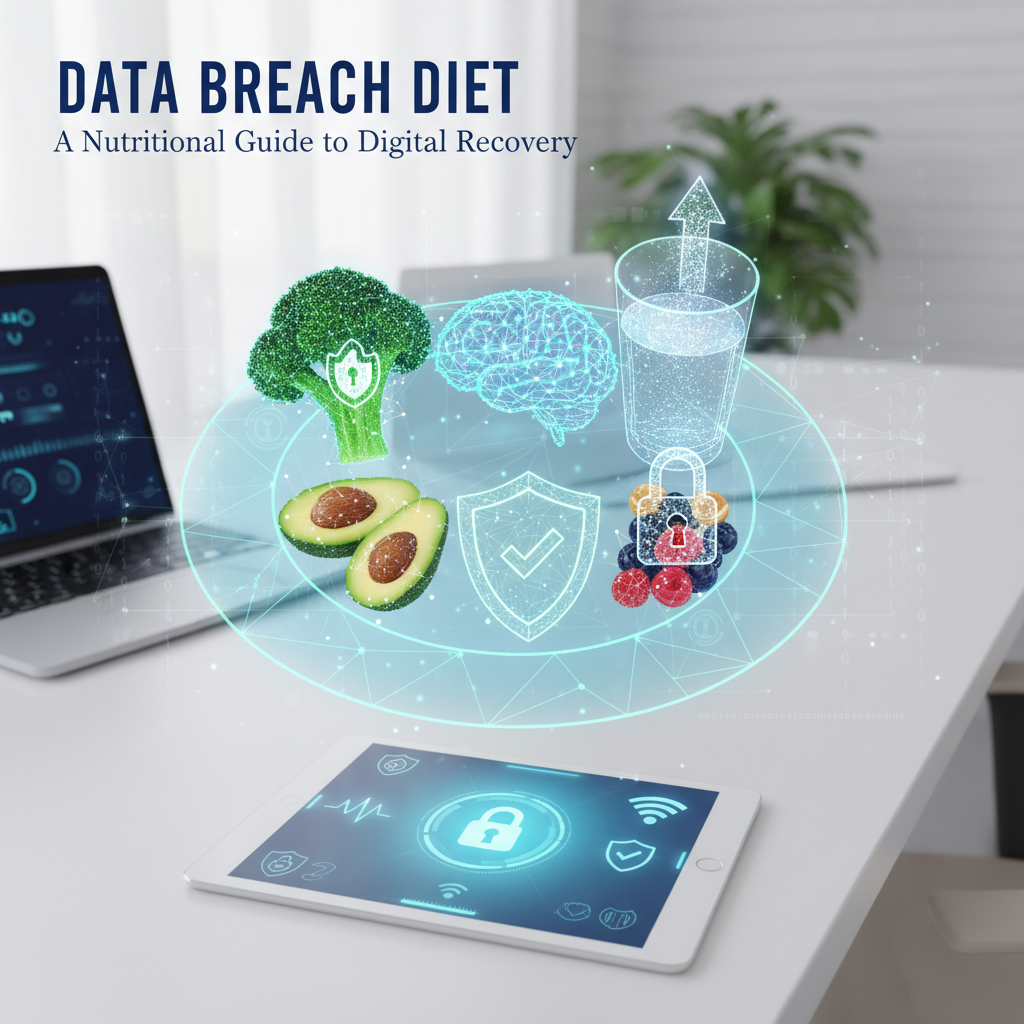
The "data breach diet" is a recovery framework that treats your digital environment like a body after illness: immediate triage, nourishing fixes, and sustained healthy habits. Think first-aid, then rehab, then ongoing wellness. It's useful because recovery isn't just patching systems - it's restoring privacy, trust, and mental health.
How the nutrition metaphor helps
Why use food-talk? Because people relate to routines: meals, meal-prep, snacks. Recovery routines stick better when they're simple and repeatable. So we talk "shock proteins" (MFA and isolation), "clean carbs" (data minimization), and "daily greens" (patching and backups). It's memorable. And it works.
How do you recover after a data breach? Immediate steps
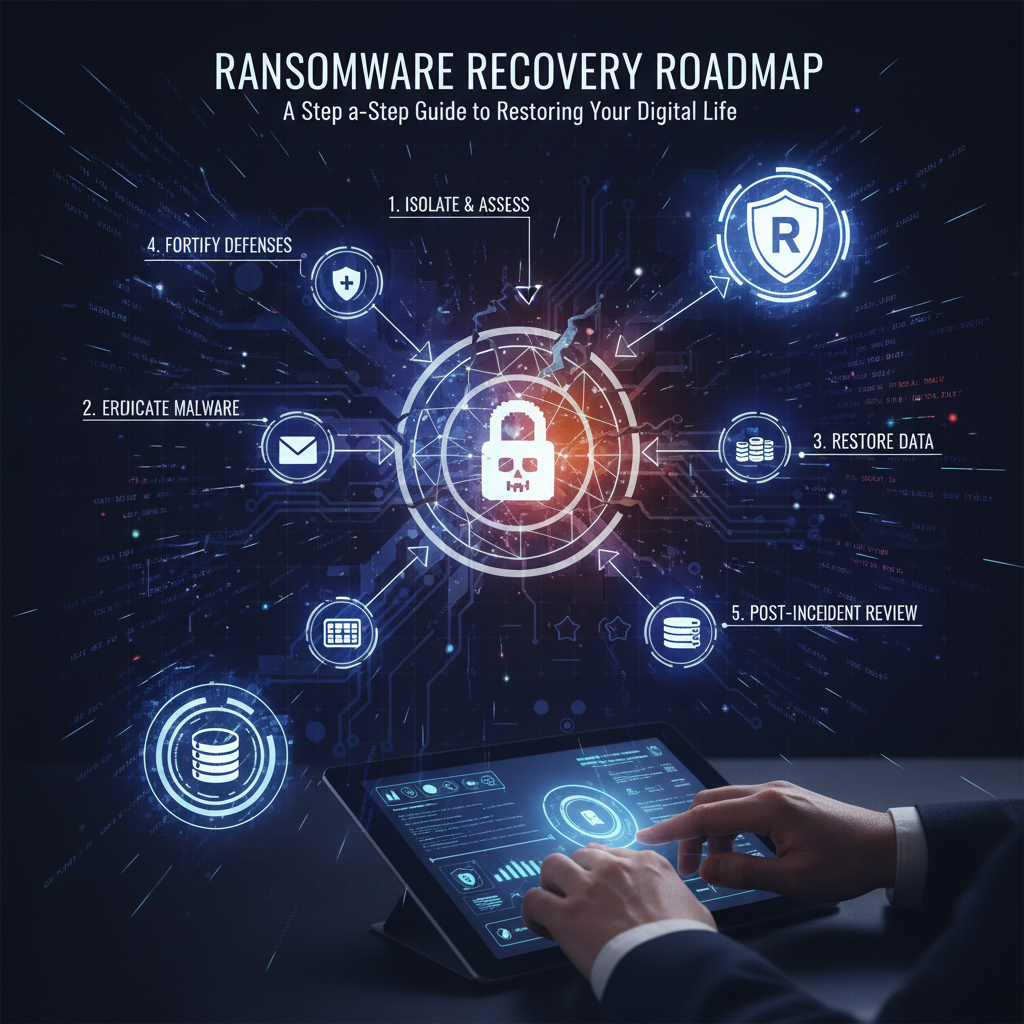
Do these first. Fast. Prioritize containment and evidence preservation. Learn more about cybersecurity first aid.
- Isolate infected systems within 24 hours - disconnect from networks, disable remote access; don't power down forensic evidence unless instructed.
- Activate your incident response plan within 1 hour if you have one; if not, assign a lead immediately (one person reduces chaos).
- Collect logs and preserve evidence - snapshot VMs, save audit logs, record timestamps (this matters for investigations and regulators).
- Change credentials and enforce multi-factor authentication (MFA) for all compromised accounts, and reset admin credentials on the network.
- Notify stakeholders - customers, regulators and internal teams, following legal timelines (72 hours is often cited for reporting to regulators, so act fast).
- Engage specialists - forensic investigators, legal counsel, PR help, and credit monitoring services as needed (if this feels overwhelming, our incident response team can handle these steps for you).
What does digital health look like after stabilization?
Once the immediate fire is out, you switch to recovery mode - rehab and strengthening. This is the meal-plan phase.
- Patch and harden systems - apply critical patches within 7 days for internet-facing systems; verify patch success.
- Rebuild compromised machines instead of trusting backups you haven't verified (reinstalled images are safer than uncertain snapshots).
- Secure identity and access - roll credentials, adopt least-privilege, enable MFA everywhere.
- Audit third-party access - revoke unnecessary vendor tokens, rotate API keys, verify vendor security posture.
- Encrypt data at rest and in transit - if you weren't before, prioritize encryption for sensitive records and backups.
- Run a privacy impact review - identify exposed personal data and the legal obligations tied to it.
How do you rebuild trust and manage mental health?
Trust is fragile. Communication and care work. And your team needs breathing room.
- Transparent, factual communication - tell affected users what happened, what data was exposed, and what steps you're taking (clear timelines help). Don't overpromise.
- Offer mitigation - credit monitoring, identity-protection tools, or free services for the affected users when appropriate.
- Protect team well-being - limit incident response shifts to 8 hours, schedule short debriefs (15 minutes daily), and encourage breaks. I've noticed teams that follow this avoid burnout and make fewer mistakes.
- Bring in counseling or EAP resources for staff impacted by the stress of breach response.
Prevention "meal prep" - routines that boost long-term cybersecurity
Prevention is boring, but it saves reputations. Do these consistently.
- Daily greens: patch management - automate critical updates and verify 90%+ coverage weekly.
- Protein: solid identity controls - enforce MFA, use password managers, apply role-based access.
- Fiber: backups and DR - test restores monthly, keep at least 2 isolated backup copies.
- Meal-prep: tabletop exercises - run at least 2 tabletop exercises per year to practice response.
- Nutrition labels: data classification - tag sensitive records so you know what's high risk and how to protect it.
- Training: employee security awareness - phishing simulations quarterly, with real coaching for the 10 people who click most often.
Tools and services that fit the plan
You don't need every shiny tool. Match capabilities to gaps.
- Endpoint detection and response (EDR) for quick containment
- Security information and event management (SIEM) for log aggregation and detection
- Identity and access management (IAM) with strong MFA
- Data loss prevention (DLP) and encryption
- Credit monitoring and privacy notification services for affected users
If your team lacks capacity, our incident response and managed detection services can triage, investigate, and implement the recovery workstreams. You can then focus on customers and business continuity.

Practical recovery checklist - a timeline you can use
- First 0-24 hours: Isolate, assign incident lead, collect logs, stop active exfiltration.
- 24-72 hours: Confirm scope, notify legal/PR, start customer notifications as required.
- 3-14 days: Rebuild systems, rotate credentials, begin forensic analysis and remediation.
- 2-8 weeks: Complete privacy impact review, implement hardening, offer customer remediation.
- 1-6 months: Run tabletop exercises, update incident playbooks, implement long-term controls.
Quick tips that actually help
Small habits matter. Do these and you're way less likely to repeat the same mistake.
- Use a password manager for every account. No exceptions.
- Enable MFA on email, admin consoles, and any SaaS with sensitive data.
- Verify backups monthly by restoring a file (don't guess).
- Prioritize protection of the 20% of systems that contain 80% of sensitive data.
Frequently Asked Questions
How long does recovery take after a data breach?
It depends on scope. Containment can take 24-72 hours. Full recovery, including forensics, remediation, and customer notifications, often takes 2-8 weeks. Some regulatory processes stretch to months. Plan budgets and communication for at least 90 days.
Do I have to notify customers and regulators?
Yes if personal data was exposed and laws apply in your jurisdiction. Many regulators expect notification within 72 hours for certain breach types, and affected individuals often need to be told. Consult legal counsel immediately and follow local requirements (we can coordinate notifications if you want help).
Can you fully restore trust after a breach?
Yes, but it takes consistent action: swift containment, transparent communication, meaningful remediation, and sustained security improvements. Trust is rebuilt over months through follow-through, not promises.
What does a forensic investigation cost?
Costs vary widely - from a few thousand dollars for a limited incident to six figures for complex intrusions. Complexity, data volume, and required legal work drive cost. If budget is a concern, start with a targeted scope to get the most critical answers fast.
Should I hire an external incident response team?
If you lack internal experience, capacity, or if regulatory timelines are tight, yes. External teams bring forensic tools, legal coordination experience, and the ability to get systems back to safe operation faster. We can provide a scoped engagement to triage and remediate while your team focuses on business continuity.